How to view finance reports
Updated Thu Jun 04 2026 00:00:00 GMT+0000 (Coordinated Universal Time)
Finance reports give you revenue totals broken down by tax, accounting category, and payment provider. You need the Admin role.
View a report
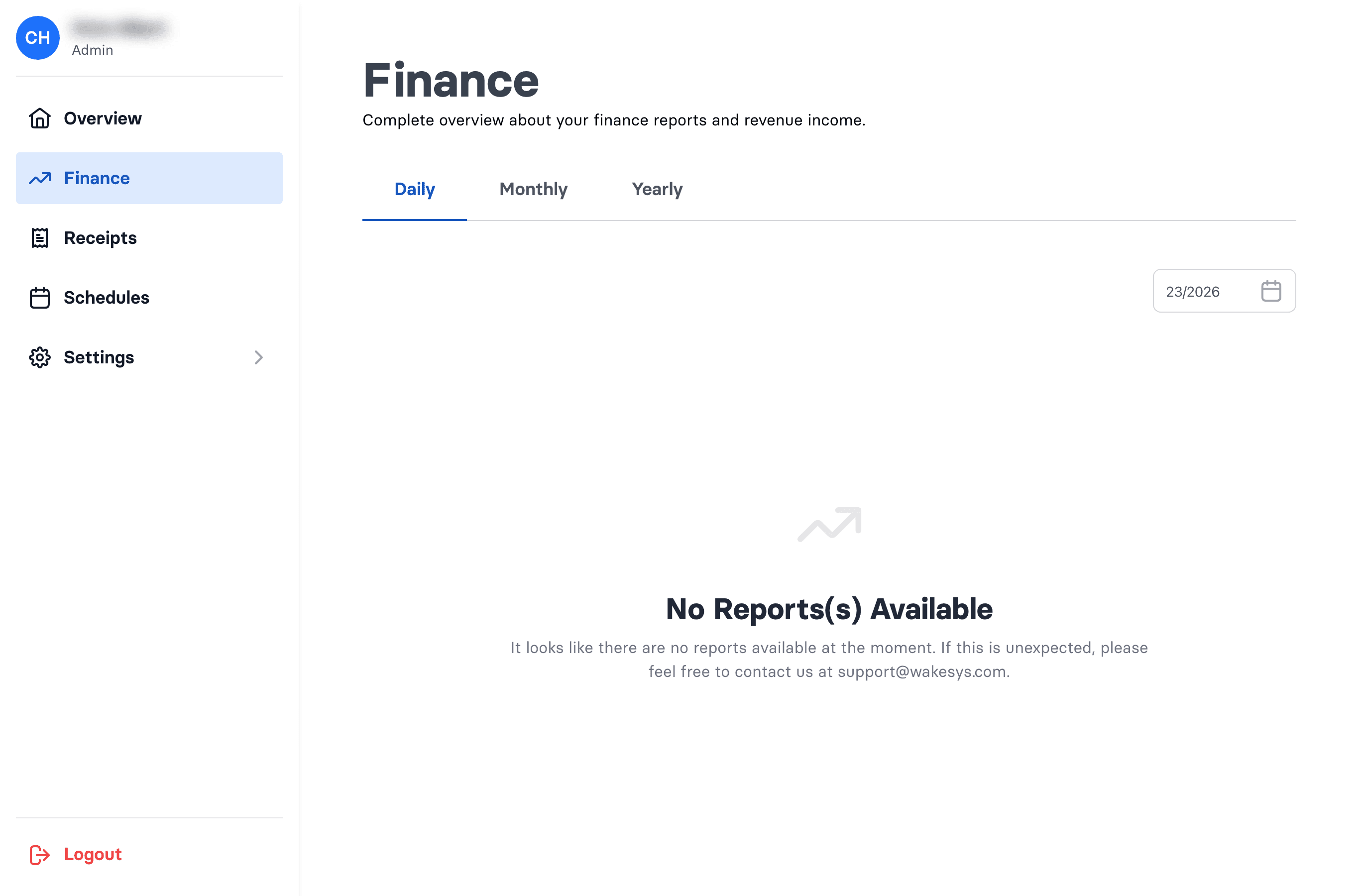
- Go to Admin → Finance.
- Choose the Daily, Monthly, or Yearly tab and pick the period.
- Open a report row to see the detail.
- If a PDF is available, use Download to open it.
What's in a report
- Payment providers — Stripe and Cash Register Holdings (cash), each showing collected, reimbursed, and total.
- Accountings — net, tax, and gross per revenue category.
- Taxes — totals per tax rate.
- Totals — total net, total tax, and the grand total.
Why is today's report missing?
Reports are generated automatically after a period closes — today's daily report isn't created until the day ends. You don't generate reports manually.