wakesys Support
How can we help?
Guides, tutorials, and answers for running your park.
Browse by topic
Getting started
Set up your park and learn the basics.
Devices & setup
Install and configure iPads and POS hardware.
Bookings & POS
Sell, check in, and manage on-site bookings.
Schedules
Create and edit time slots and seats.
Staff & roles
Invite staff, set permissions, reset passwords.
Finance & receipts
Reports, receipts, taxes, and accounting.
Online booking
Your public booking flow and ticket claiming.
Waivers & compliance
Liability waivers and legal documents.
Account
Profiles, passwords, and account settings.
Tutorial videos
View all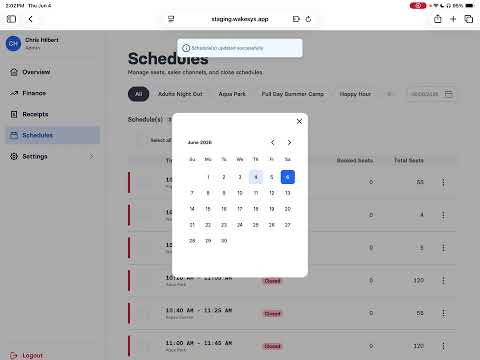 2:10
2:10Edit your schedule
Adjust seats, open or close time slots, and manage your schedule grid.
 3:00
3:00Install the wakesys app on iPads
Install and set up the wakesys app on your park's iPads for POS and on-site check-in.
 2:30
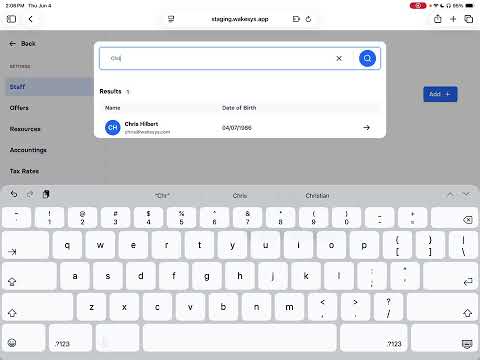
2:30Invite staff & set employee permissions
Add a team member, choose their role (Admin or Cashier), and set what they can access.
Popular articles
A staff member can't sign in
The usual causes when someone can't log in, and how to fix each.
Booking statuses explained — Open, Closed, POS Only
What each time-slot status means for online and register sales.
Changing park settings and legal documents
Park name, logo, currency, legal age, and legal documents are managed by wakesys.
Do customers have a login or password?
Customers don't have a password or a login — they book online and manage their visit through the links in their confirmation email.
Getting started — set up your park step by step
The full onboarding checklist for a new park, from creating your account to a test booking that proves your card reader works.
How a customer claims (assigns) their tickets
After booking, the owner assigns each ticket and can invite others to claim their own.
Still need help?
Can't find what you're looking for? Send us a request and we'll get back to you by email.
Submit a request