How to find and download a receipt
Updated Thu Jun 04 2026 00:00:00 GMT+0000 (Coordinated Universal Time)
You need the Admin role to view receipts.
Find a receipt
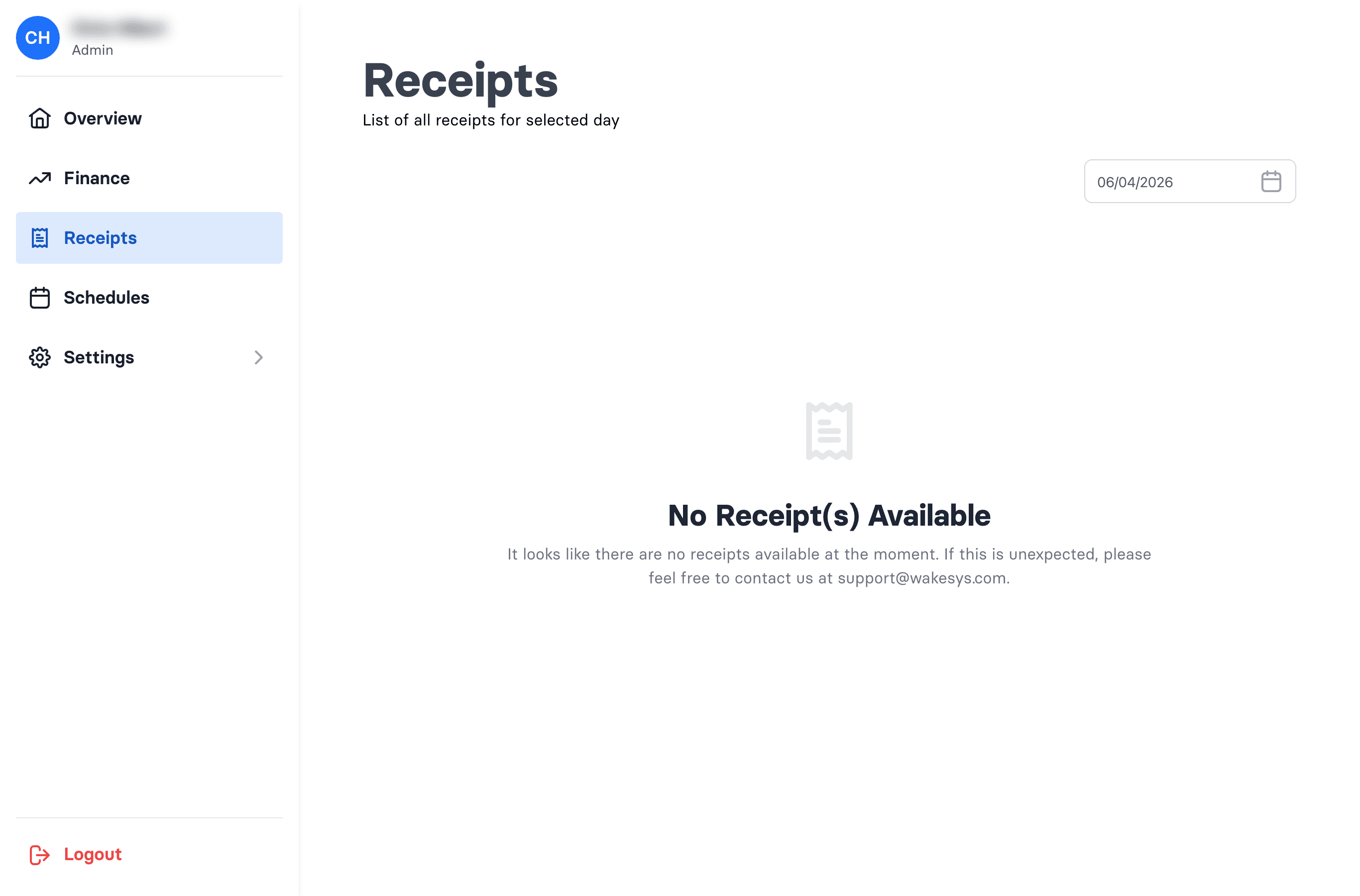
- Go to Admin → Receipts.
- Pick the day in the calendar — the list shows that day's receipts (receipt number, customer, source, date, amount).
- Open a row to see the details.
- Use Download to open the PDF.
What a receipt shows
Customer details, the receipt number, whether it was purchased via online or the point of sale (or refunded by, with a refund reason), the payment method(s) used (including card brand and last four digits), the line items, and totals.