Tax rates and accountings
Updated Thu Jun 04 2026 00:00:00 GMT+0000 (Coordinated Universal Time)
Tax rates and accountings drive how revenue and tax appear on receipts and finance reports. You need the Admin role. Create a tax rate first, then an accounting that uses it.
Add a tax rate
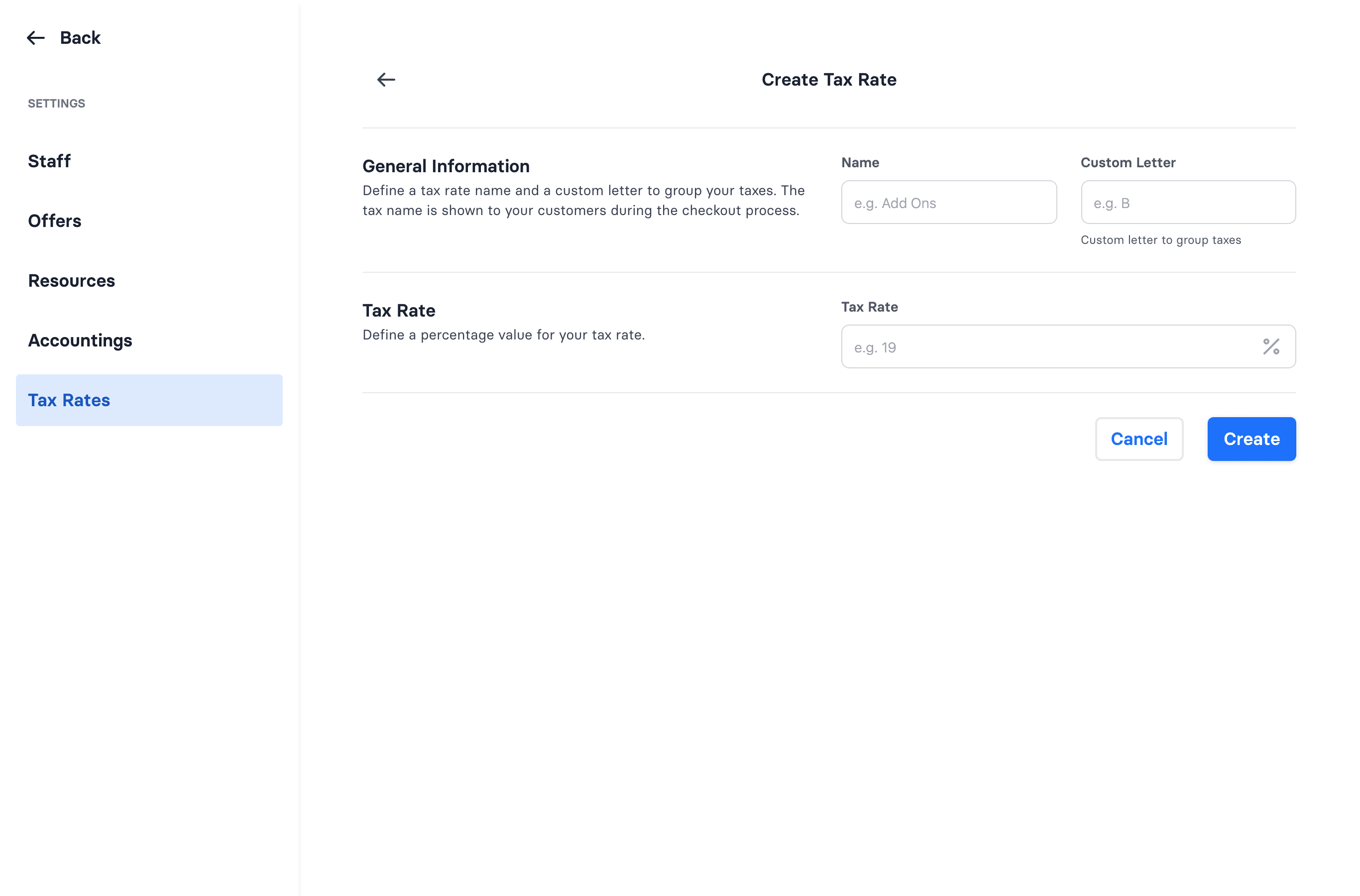
- Go to Admin → Settings → Tax Rates → Create.
- Enter a Name (shown to customers at checkout), a Custom Letter (a short grouping code such as "A" or "B"), and the Tax Rate percent.
- Save.
The Custom Letter groups taxes on receipts and finance reports; the tax name is what customers see at checkout.
Add an accounting
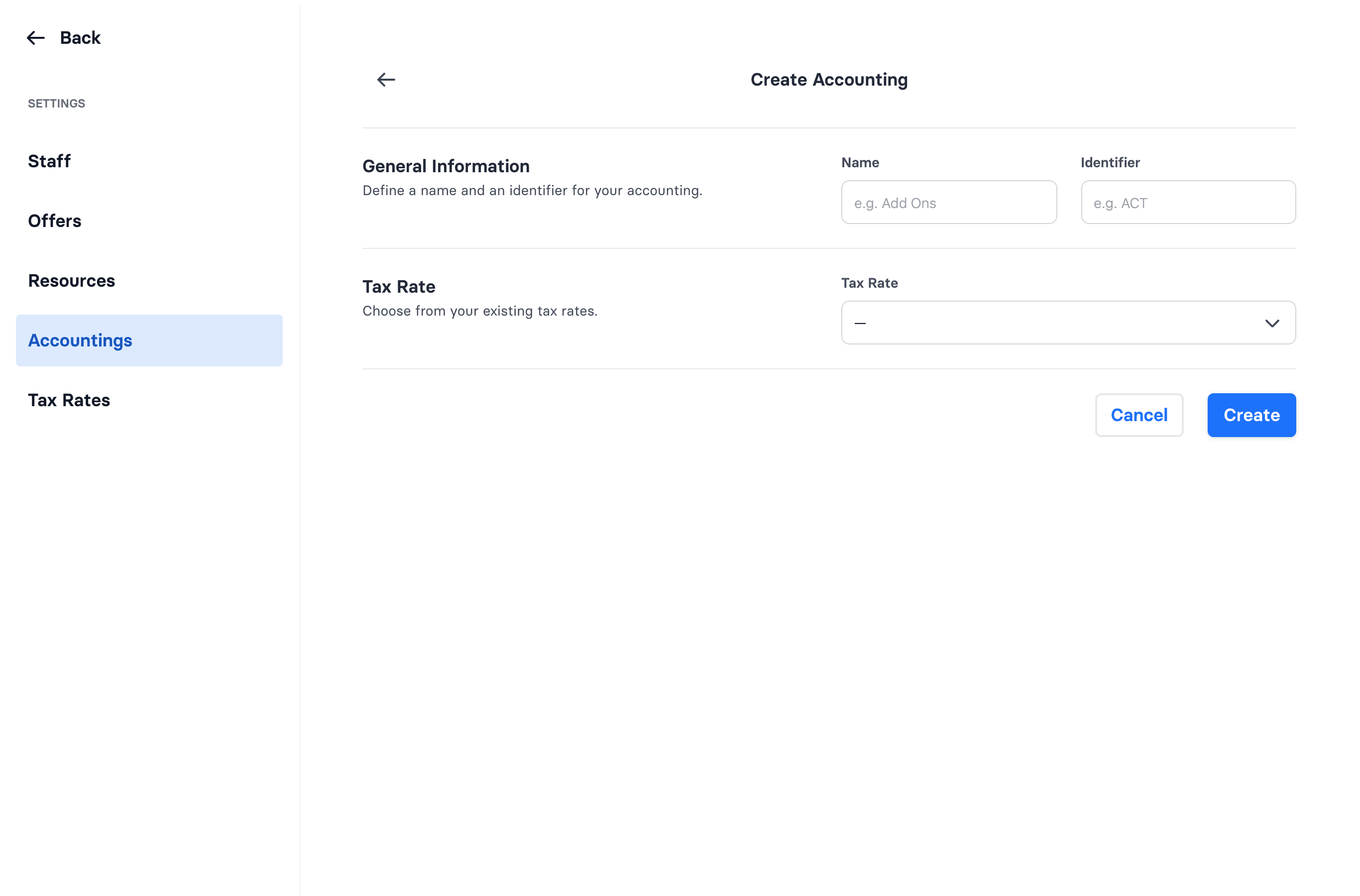
- Go to Admin → Settings → Accountings → Create.
- Enter a Name and an Identifier, and choose an existing Tax Rate.
- Save.
An accounting is a revenue category bound to one tax rate. Products are assigned an accounting, which determines the tax shown on receipts and grouped in reports.
Products and prices
Tickets, add-ons, prices, and pricing rules aren't configured from the park settings — they're set up by wakesys. Contact support if you need a price or product changed.