How to sell a ticket at the cash register (POS)
Updated Thu Jun 04 2026 00:00:00 GMT+0000 (Coordinated Universal Time)
Selling a ticket at the cash register creates a new booking for a customer. (To add tickets to a booking that already exists instead, see Add tickets to an existing booking.)
Sell a ticket
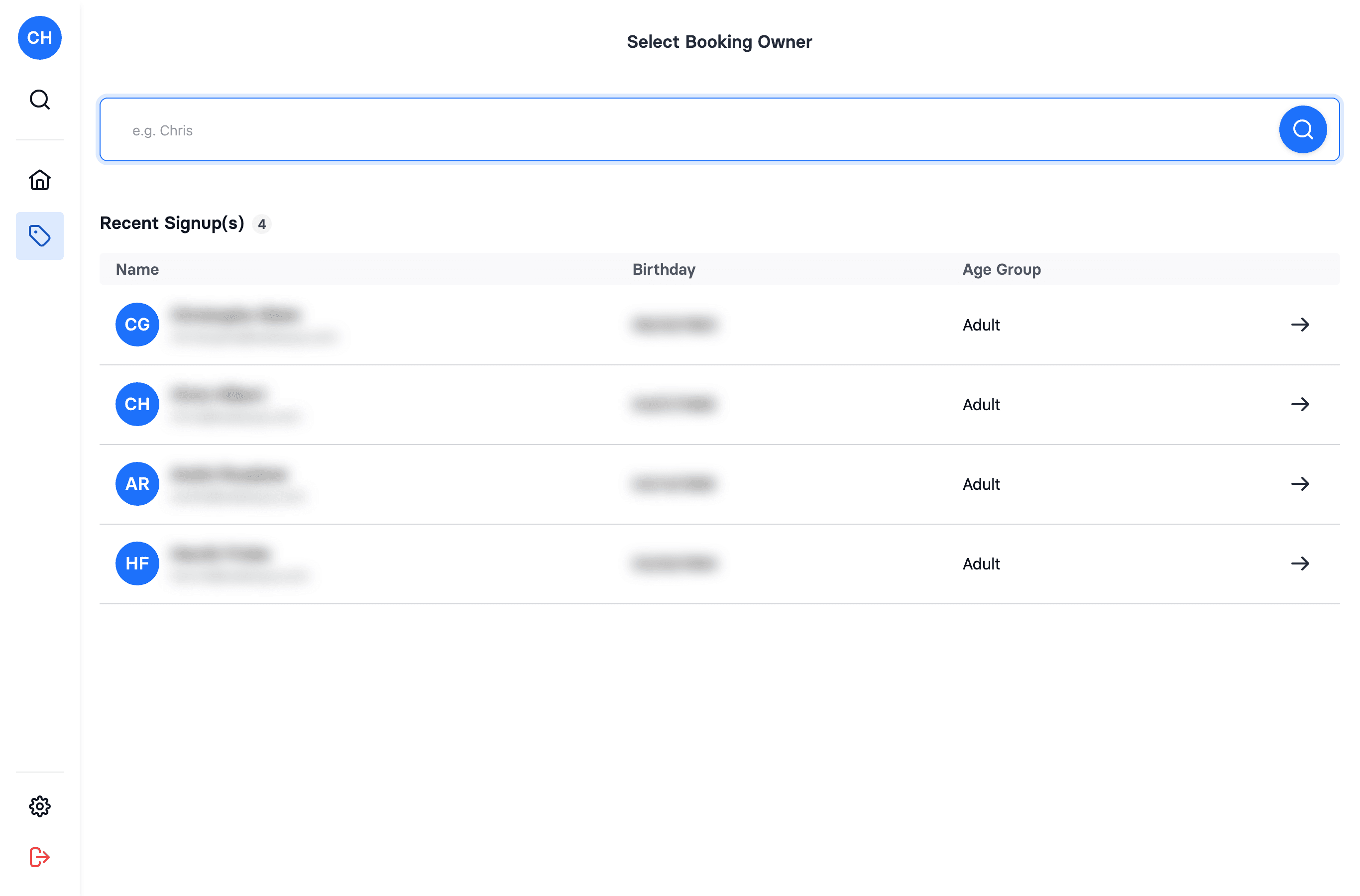
- In the POS, open Sale.
- Select the booking owner — search for and pick the customer. The booking owner must be an adult (a child can't be the owner).
- On the Tickets tab, choose the date/offer and the time slot(s).
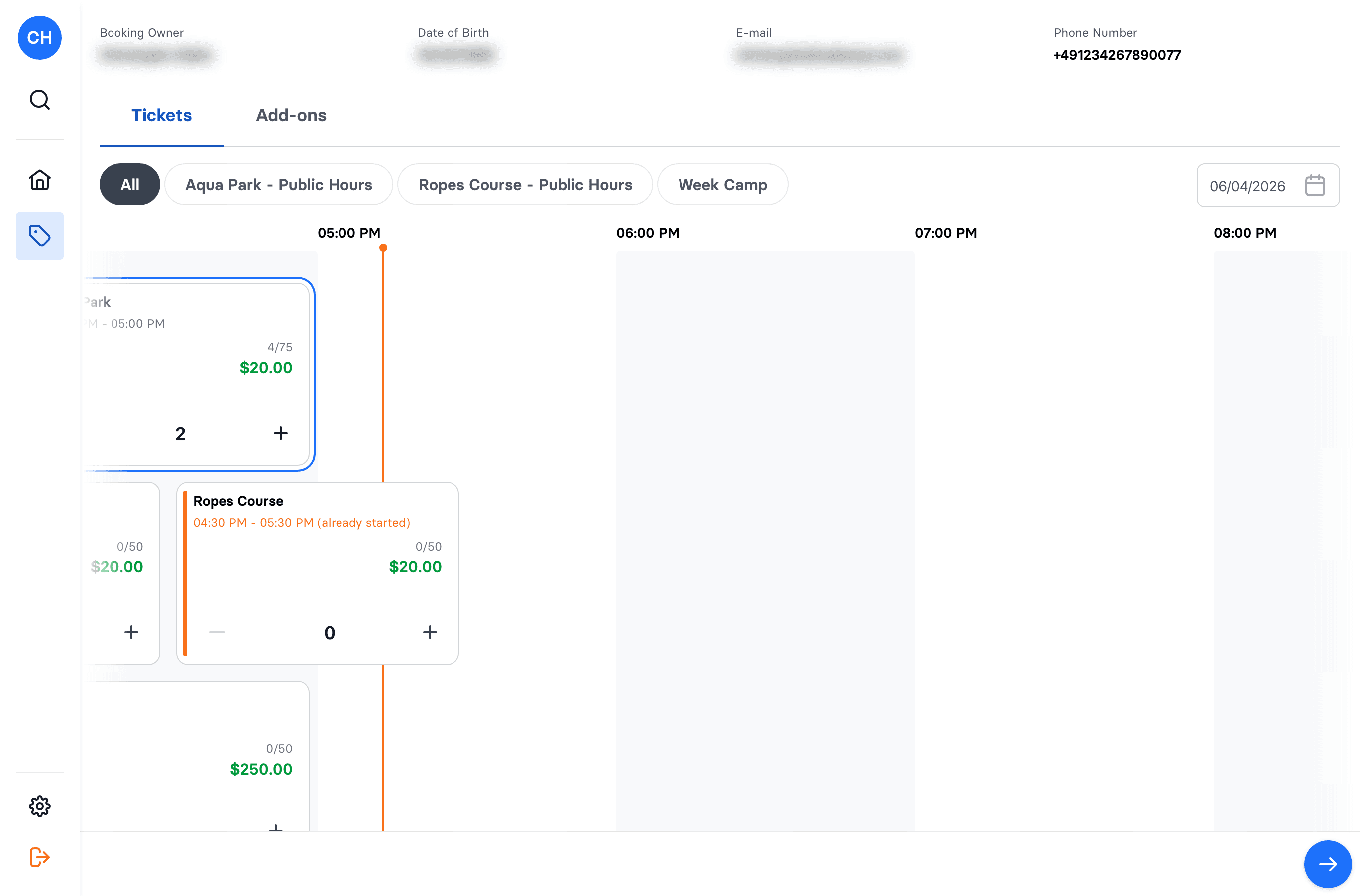
- Switch to the Add-ons tab to add any extras.
- (Optional) Apply a discount percentage.
- Continue to checkout and take payment:
- Cash
- Terminal — a Stripe card reader
- Credit card — card entered on screen
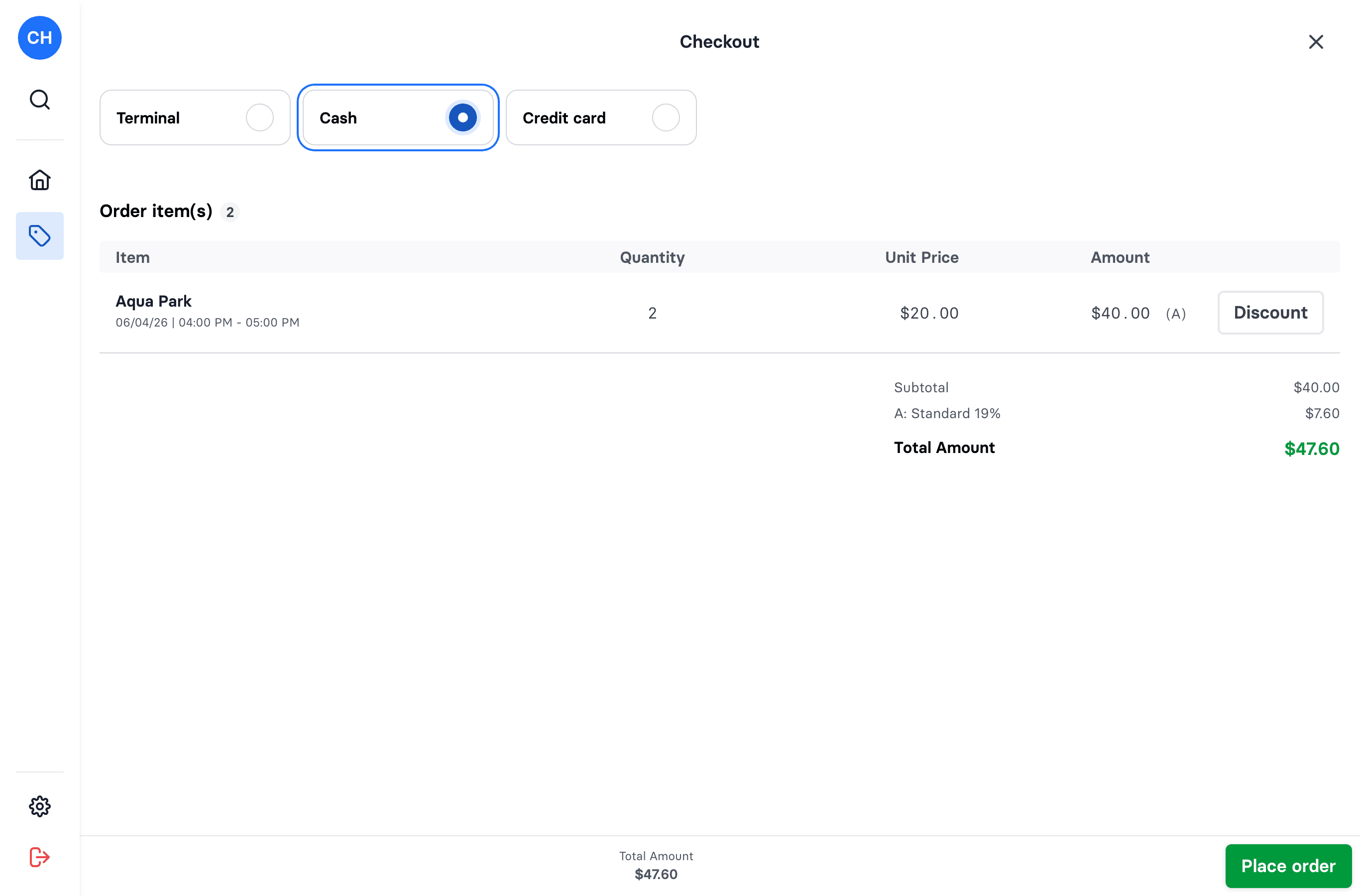
- Place the order. A receipt is created.
After the sale
The tickets belong to the booking but aren't linked to specific people yet. Next, assign each ticket to a participant and have them sign the waiver before they take part — see Assign tickets to participants.